
How To Order Prints From Your Gallery
Open Shop in your photo gallery to browse Prints & Albums and choose a photograph and size.
Quick Answer
Open your photo gallery and choose Shop. The Prints & Albums window lets you choose a photograph, browse the available categories and select a size.
Start from your photo gallery to browse the available print products.
Step 1
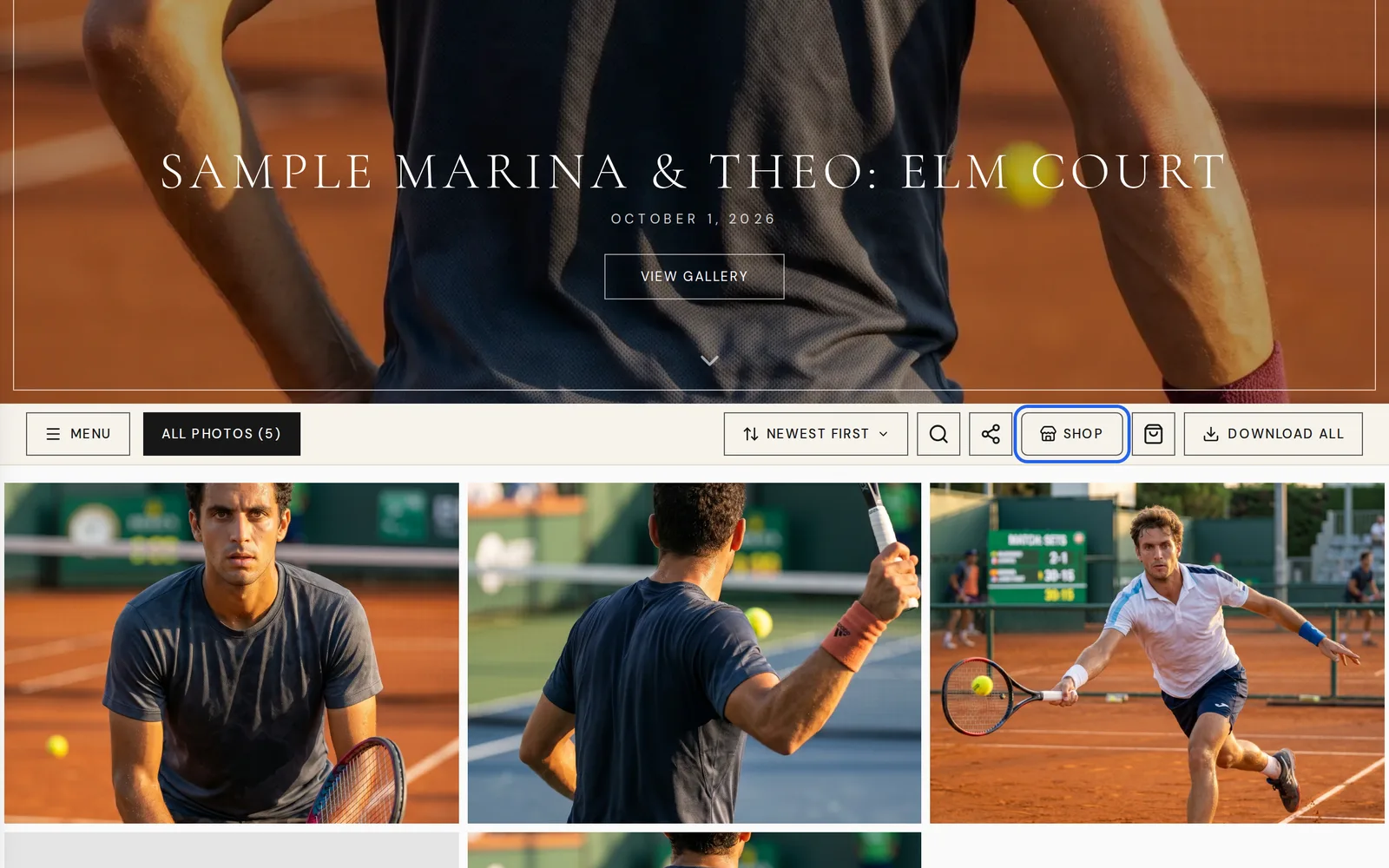
Open Shop In Your Gallery
Choose Shop in the gallery toolbar. Photos also have an Order print control.
Step 2
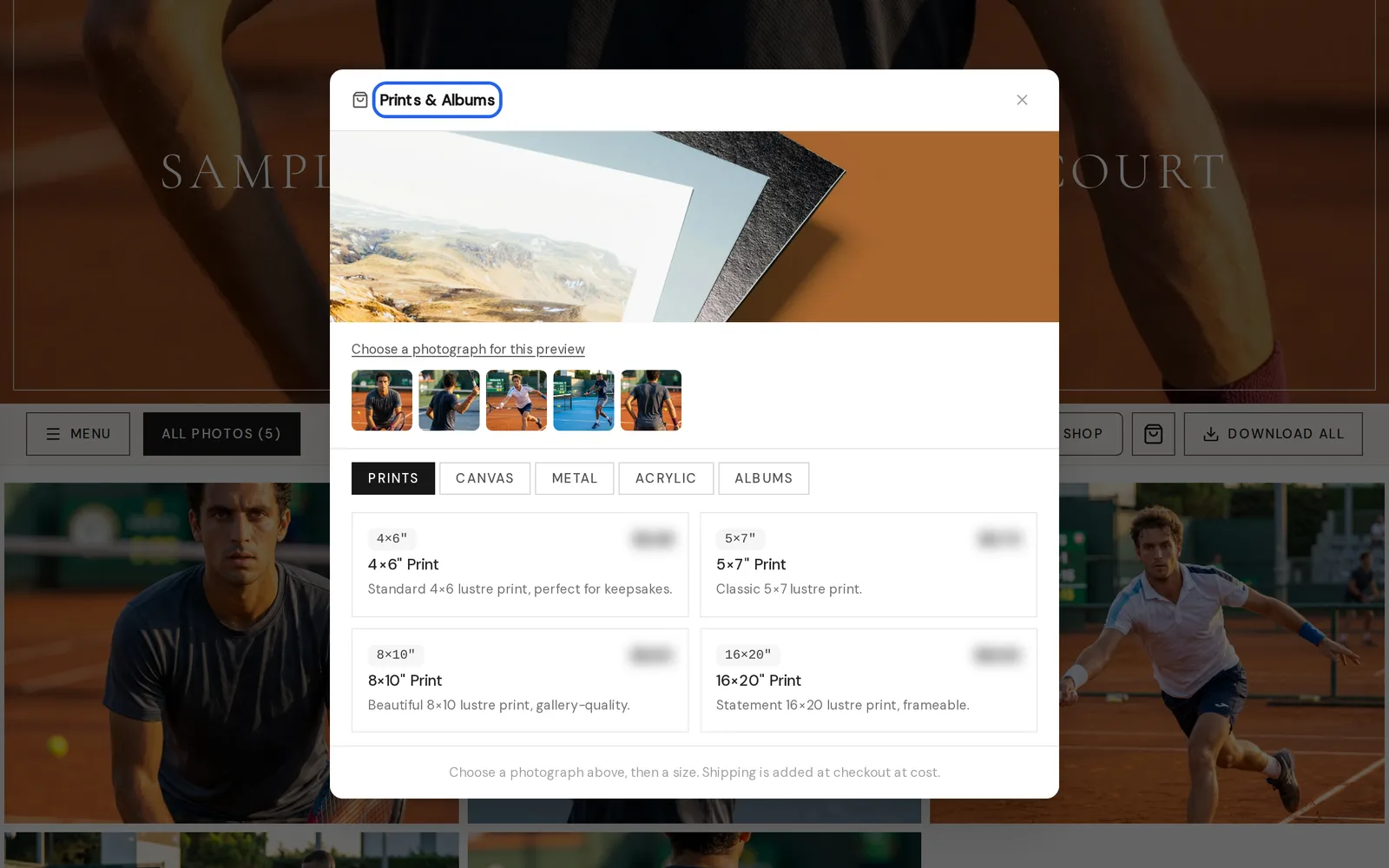
Choose A Photograph And Size
The Prints & Albums window shows Prints, Canvas, Metal, Acrylic and Albums categories. Choose a photograph, then a size from the available options.
Good To Know
- The store says shipping is added at checkout at cost.
- For digital files, see How To View And Download Your Photos.
- For favorites and sharing, see How To Favorite And Share Your Photos.
Still Need Help?
Message us from your client portal or email support@candidstudios.net.
Contact UsRelated Articles
Last updated 1 min read